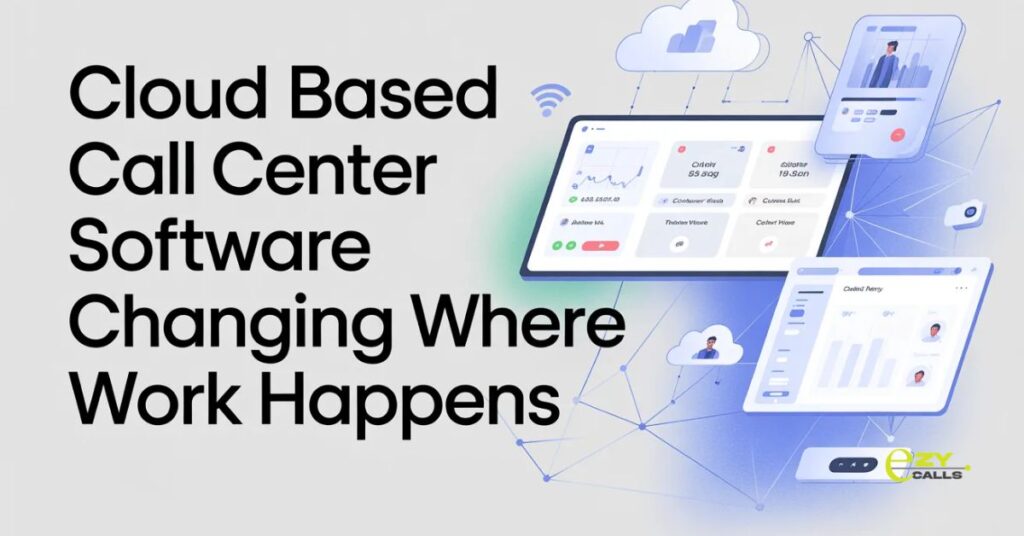
Cloud Based Call Center Software Changing Where Work Happens
On-premise phone systems chained teams to physical offices. Hardware in server rooms, phones at desks, everything location-dependent. Cloud based call center software freed operations from physical constraints, and companies using it finally stopped caring where agents sit as long as they have the internet.
Most call centers spent decades believing customer service required everyone in the same building. Then the pandemic proved that assumption completely wrong.
The Location Freedom
- Traditional systems lived in your building. Server racks, phone equipment, wiring throughout the office. Tied to physical location completely.
- Cloud based call center software runs on vendor servers accessed via the internet. No hardware to maintain, no physical infrastructure to manage. Work from anywhere with decent connection.
- Remote work becomes actually feasible instead of a complicated workaround requiring special setup.
Why Companies Go Cloud
- No upfront hardware investment. Skip buying servers, phone systems, backup equipment. Start with software subscription, that’s it.
- Maintenance handled by the vendor. Updates, security patches, infrastructure management. Not your IT team’s problem anymore.
- Scaling happens instantly. Add agents in minutes not weeks. No ordering equipment, scheduling installations, dealing with capacity limits.
- Disaster recovery built in. Office floods, power fails, building inaccessible. The team keeps working from home without missing a beat.
- Remote work without complexity. Agents anywhere with the internet have full capabilities. Home, coffee shop, different city entirely.
- Cost predictability improves. Monthly subscription instead of surprise hardware failures or emergency upgrades. The budget becomes straightforward.
What Actually Changes
- Office space requirements shrink. Don’t need a desk for every agent. Hybrid schedules, hot-desking, reduced real estate costs.
- Geographic limitations disappear. Hire talent anywhere, not just commuting distance. Access better agents regardless of location.
- Business continuity improves dramatically. Natural disasters, pandemics, local disruptions. Operations continue regardless of physical challenges.
- IT burden decreases significantly. Vendor handles technical infrastructure. Your team focuses on business not babysitting servers.
- Updates happen automatically. Wake up to new features without installation headaches. Always current without IT projects.
- Integration gets easier. Cloud systems talk to other cloud tools naturally. APIs and webhooks replacing complicated on-premise connections.
Common Cloud Concerns
- Internet dependency worries people. No connection means no calls. Valid concern requiring backup plans and reliable providers.
- Security questions come up constantly. Data in the cloud feels less secure than on-premise. Actually often more secure but perception matters.
- Control feels reduced. Can’t physically touch servers. Some IT teams are uncomfortable with dependency on external vendors.
- Costs can creep higher. The subscription model scales with usage. Monitor spending as the team grows or features add up.
- Customization might be limited. Cloud platforms offer standard features. Deep customization is possible on-premise harder in the cloud.
- Vendor lock-in becomes real. Switching cloud providers is difficult. Data migration, retraining, integration rebuilding are all painful.
Different Business Benefits
- Startups skip infrastructure investment. Launch customer service without capital expenses. Scale quickly as business grows.
- Seasonal operations flex capacity. Ramp up for busy periods, scale down after. Pay for what you use when you use it.
- Multi-location companies unify operations. Different offices, same system. Consistent experience and centralized management.
- Growing teams add agents easily. Hiring in new markets or expanding existing teams. No infrastructure blocking growth.
- Remote-first companies enable distributed teams. Already working from home? Cloud makes call center work possible remotely too.
Implementation Reality
- Migration from on-premise takes planning. Can’t just flip switches. Data transfer, agent training, system testing are all necessary.
- Internet quality matters tremendously. Spotty connection creates terrible experiences. Invest in reliable service before going cloud.
- Change management needs attention. The team comfortable with the old system resists the new approach. Communication and training prevent rebellion.
- The first month feels different, not necessarily better. Learning curve and adjustment period. Stick with it through initial awkwardness.
- Hidden costs occasionally surprise. Additional features, extra storage, API usage. Understand pricing model completely before committing.
Making Cloud Work
- Choose reliable internet providers. Redundancy if possible. Connection is a lifeline for cloud systems.
- Test thoroughly before full rollout. Trial period with subset of team. Catch issues before everyone depends on the system.
- Train beyond basic usage. Agents need to understand full capabilities. Proper training prevents underutilization.
- Monitor performance consistently. Call quality, uptime, response times. Vendors should meet commitments but verify.
- Plan for offline scenarios. What happens when the internet fails? Backup plans prevent complete shutdown.
- Review bills regularly. Subscription costs can drift higher. Monitor usage and spending patterns.
Security Best Practices
- Strong authentication for all users. Passwords alone are insufficient. Multi-factor authentication prevents unauthorized access.
- Regular security training for the team. Phishing, social engineering, password hygiene. People often have the weakest security link.
- Data encryption verification. At rest and in transit. Vendors should handle but confirm they do.
- Access controls by role. Not everyone needs to see everything. Appropriate permissions reduce exposure.
- Audit logs review periodically. Who accessed what when. Catch suspicious activity early.
- Vendor security certifications matter. SOC 2, ISO standards, industry compliance. Proof of security practices.
EZY CALLS Cloud Approach
- Platforms like Ezy Calls built cloud-first from the beginning. Not on-premise systems adapted for cloud. Designed for distributed teams and remote work.
- What makes Ezy Calls practical? True cloud architecture, no legacy compromises. Reliable performance, straightforward pricing, built for how teams work now.
- For companies wanting call center capabilities without physical infrastructure, solutions like this deliver. Professional cloud-based operations without complexity.
- Cloud based call center software succeeds when it provides reliability matching or exceeding on-premise systems. Good cloud software makes location irrelevant. Bad cloud software makes you miss physical control.
- Better operations come from appropriate deployment models. Cloud fits modern work reality better than office-bound systems.
Questions About Cloud
What happens when the internet goes down?
- Calls fail without connection, that’s reality. Have a backup plan, mobile hotspots, secondary internet, or cell phone failover. Most outages are brief but plan for the worst case.
Is the cloud really secure or marketing talk?
- Good cloud providers are usually more secure than typical on-premise setups honestly. Check certifications and security documentation though. Not all clouds are equal.
Can we try cloud without ditching the current system immediately?
- Yeah, run parallel systems during transition. Test cloud with a small group while keeping existing phones working. Complete migration once you’re confident it works.