Call Center Monitoring Software Your Team Will Strategically Use
Running a call center without monitoring tools is a nightmare. You’re guessing how people perform, finding out about problems way too late, hoping everything’s going okay. Call center monitoring software fixes all that, and once you have it, you can’t imagine going back.
Lots of call centers still do things manually. The manager listens to a few calls when they’re not busy. Maybe check some numbers in different places. Write stuff down. Super slow, misses tons, and you never get the real picture.
What This Software Does
- Manual call monitoring means picking random calls to review. You check maybe five calls per person each month. They’re taking hundreds. So you’re hearing 2% of their work. That’s basically nothing.
- Call center monitoring software records everything. Every conversation gets tracked. How long calls run, what gets fixed, if customers are happy. Points out problems automatically. Shows you patterns happening that you’d totally miss.
- Going from tiny glimpses to seeing everything? Changes the game.
Why Your Call Center Needs It
- Quality doesn’t slip anymore. Random checks mean agents know most calls never get heard. Some people get lazy. Others mess up and nobody notices. Monitoring keeps everyone trying because all calls count now.
- Training problems show up fast. Three people struggling with the same thing? You might not catch that for months doing it the old way. Software sees it in a few days. Fix it before it gets worse.
- Customer problems get handled quicker. Software flags calls where people sound mad or things didn’t get resolved right. You can fix it before that customer writes a nasty review or leaves.
- Reviews become fair. Instead of judging someone on five random calls you picked, you’re using real data from all their work. Nobody gets screwed because you listened during their worst day.
- Coaching actually works. You see exactly what each person needs help with. Sarah handles tech stuff great but rushes people off calls. Mike’s patient but forgets policy rules. Help them with real issues instead of general tips that don’t mean much.
What Actually Matters in Monitoring Tools
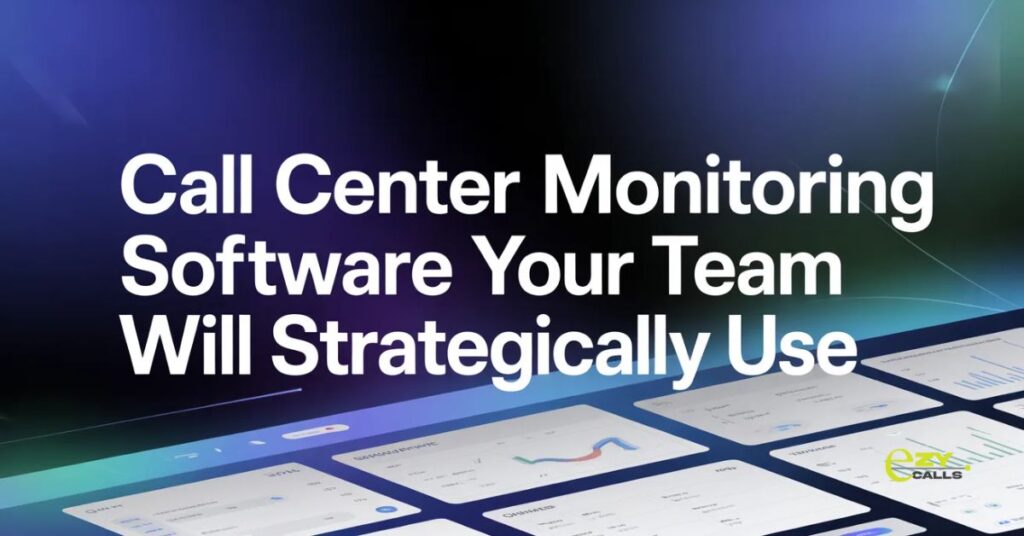
- Live monitoring makes a difference. Supervisors watch dashboards showing who’s talking, how long they’ve been on, if problems are happening. Can help right away when someone’s stuck.
- Recording calls is obvious. But you need recordings that don’t suck, easy to find, easy to play back. Not hidden in weird folders nobody can navigate.
- Speech stuff that understands conversations separates good tools from basic ones. Software that picks up keywords, hears when people are upset, catches compliance problems. Way better than recordings sitting there that nobody has time to actually listen to.
- Reports that don’t take forever. Managers need performance info without clicking through five systems. Good screens show what matters without drowning you in numbers.
- Works with your other stuff. Customer database, help system, schedule tool. Everything connected instead of separate things that don’t talk.
How Different Teams Use This
- Support teams care about fixing problems and keeping customers happy. Did the agent solve it? Customer satisfied? Monitoring shows both.
- Sales people watch conversion numbers. How many calls become sales? What works? What doesn’t? Software tracks it all.
- Tech support monitors how hard problems are and how fast they get solved. Are people fixing things efficiently? Do certain problems need better guides?
- Finance and healthcare places need it for rules. Every call saved, certain words flagged, proof of compliance automatic.
Ezy Calls Makes This Easier
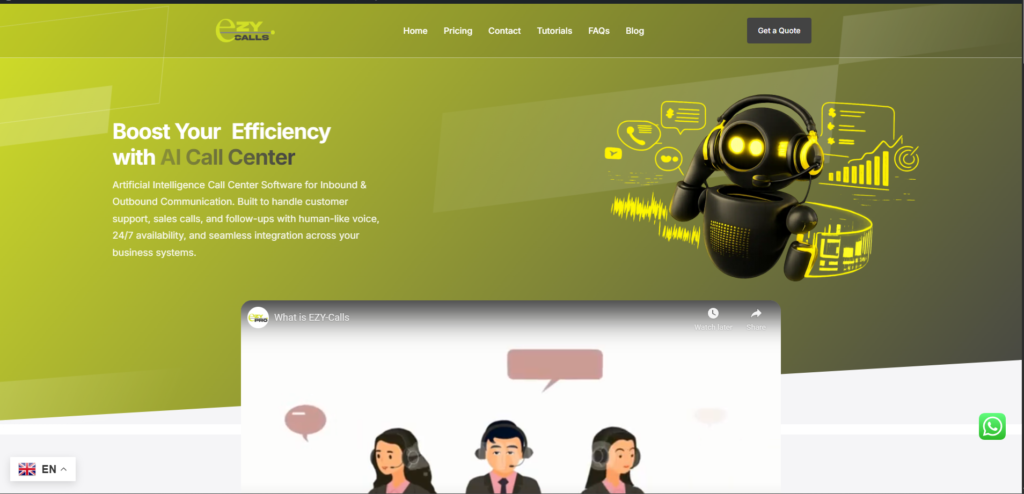
- Platforms like Ezy Calls bring monitoring to regular teams without crazy complexity. You get good features without needing tech experts running everything.
- What’s smart here? They focus on daily stuff call centers actually do. Clear screens, simple call reviews, alerts that help. None of that bloated junk that just confuses everyone.
- For teams wanting to improve without spending a fortune, tools like this deliver. Better monitoring without tearing apart how you work.
Starting Without Overthinking
Thinking about monitoring software? Here’s what I’d do.
- Find your worst problem first. Bad quality? Calls taking too long? Complaints piling up? Get software that handles that well. Don’t chase every bell and whistle.
- Bring your team in early. Monitoring sounds like spying to agents. Tell them it’s for getting better and helping them, not catching them messing up. Use it for coaching, not just pointing out mistakes. People accept tools that actually help them improve.
- Start basic. Record calls, track important numbers, review regularly. Add fancy stuff once you’re comfortable. Doing everything at once just stresses everyone out.
- Test it with real calls during trials. See if it makes work easier or just adds more hassle.
- Call center monitoring software isn’t about watching people like you don’t trust them. It’s knowing what’s happening, catching issues early, helping your team get better. Good monitoring helps managers do their job right and helps agents do theirs.
- Customers get better help. Problems get fixed faster. Your team knows what they’re good at and what needs work. That’s what matters.
Questions People Ask
Won’t monitoring freak out my agents?
- Yeah, at first. Nobody loves being watched. But when agents see you’re using it to coach them, not just yell at them, they chill out. The trick is actually helping them improve, not just catching screw-ups. Only point out problems without helping? They’ll hate it forever.
How much time goes into reviewing calls?
- Not much with decent software. Smart analytics flag calls that need attention automatically. You’re not listening to everything, just stuff that matters. Problem calls, good examples for training, really great service. Most managers spend maybe an hour or two daily instead of trying to sample calls randomly all week.
Does this work for tiny call centers?
- Totally. You don’t need 50 people to benefit. Even three or four agents see improvements. Small teams actually get more out of it because monitoring helps them match bigger centers on quality. Just pick software for your size, don’t pay for giant company features you won’t use.